

Display! What is it? and how is it related to Photoshop
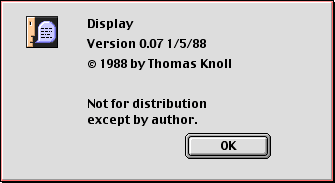
The story of Photoshop started in 1987, when one American Ph.D. engineering student of the University of Michigan, Thomas Knoll wrote a graphic applications subroutine on a Macintosh Plus computer.
This software was used to display grayscale images on a monochrome display.
Knoll named it Display. We now consider Display as the unofficial father of our beloved Photoshop.
The very first Photoshop version was released in January 1988.
Adobe Photoshop is a raster graphics i.e Dot Matrix Data Structure/square grid of pixels photo editor. It was developed and published by Adobe Systems for Mac OS and Windows.
The first version of Photoshop was distributed commercially by scanner company “Barneyscan XP”.
Inventor of photoshop:

The creators of Photoshop was Thomas Knoll and John Knoll. It was created in 1987 since it has become an industry-standard photo editing and graphics design application. They later sold the distribution license to Adobe Systems incorporated in 1988 that was not publicly released. This demo was the primary far-famed copy of Photoshop with any dissemination.

From the very childhood, Thomas Knoll was very keen on Photography. He had his own darkroom for development in his basement. Most of the time he used to work on photos. One day Thomas Knoll was writing a computer program on his Macintosh Plus so that he can display grayscale images on a monochrome display.
This program called Display instantly grabbed the attention of his brother John Knoll who suggested that Thomas should turn it into a full-fledged image editing software. Then both brothers collaborated on the idea. And finally, they coded it and were able to make the first photo editing software(with a little help from their father).
Some fun facts about Photoshop:
1. The First image was John’s wife on the beach taken from a trip to the Hawaiian Islands.

2. Photoshop 1 was released on the 19th February 1994 Macintosh exclusively.
3. Photoshop naming scheme was initially based on version numbers Adobe published 13 versions before the October 2003 introduction of Creative Suite branding.
4. Adobe gave the source code of the 1990s 1.0.1 version of Photoshop to the Computer History Museum in February 2013.
5. Photoshop is available in 26 languages
6. Thomas and his brother John won an award on Scientific and Engineering Award for the original architecture, design, and development of Photoshop at the 2019 Oscars.
7. Versions were started as Photoshop, Photoshop CS, Photoshop CC
8. All the versions of Photoshop Logo

8. Here you can see all the versions of our favorite Photoshop from beginning to now.
1988 – 1989
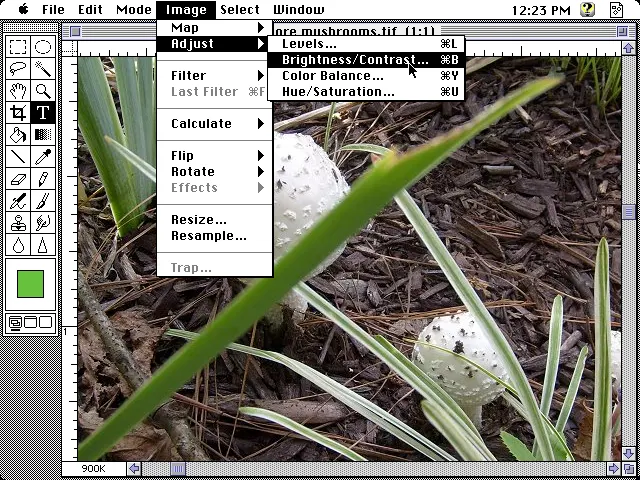
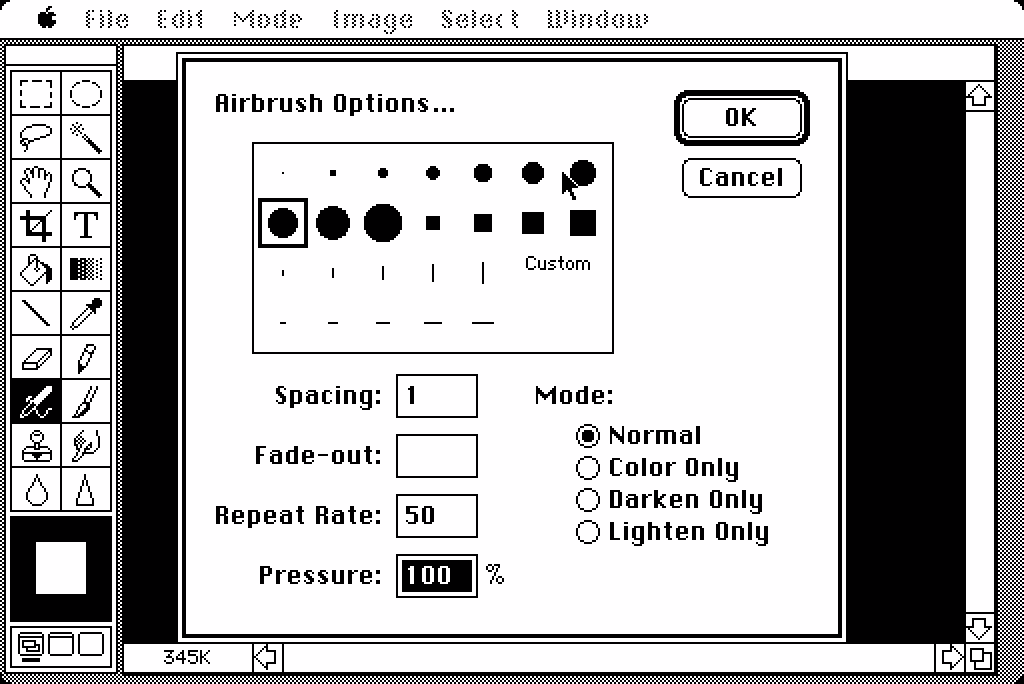
Adobe Photoshop 0.63

1989 – 1990
Adobe Photoshop 0.87

1990 – 1991
Adobe Photoshop 1.0




1991 – 1992
1991: Adobe Photoshop 2.0

1992 – 1993
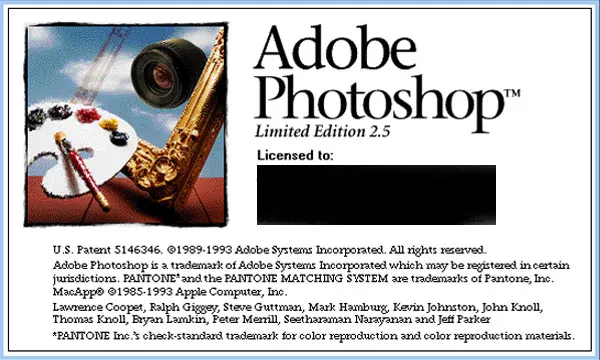
1993: Adobe Photoshop 2.5

1993 – 1994
Adobe Photoshop 3.0

1994 – 1996
Adobe Photoshop 4.0

1996 – 1998
Adobe Photoshop 1998

1998 – 1999
Adobe Photoshop 5.5

1999 – 2000
Adobe Photoshop 6.0
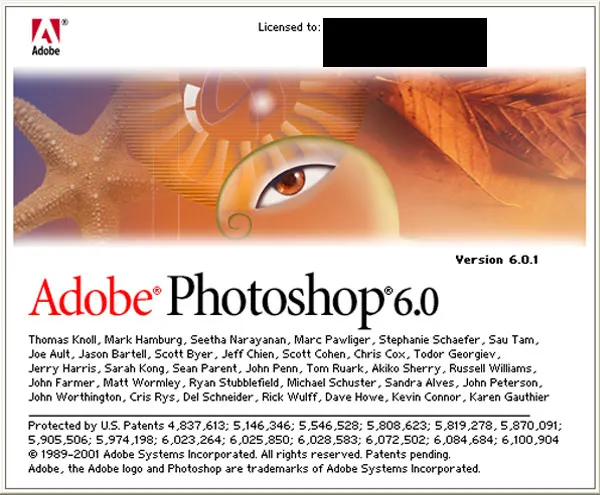
2000 – 2001
Adobe Photoshop Elements

2001 – 2002
Adobe Photoshop 7.0

2002 – 2003
Adobe Photoshop CS

2003 – 2005
Adobe Photoshop CS2

2005 – 2007
Adobe Photoshop CS3

2007 – 2008
Adobe Photoshop CS4

2008 – 2010
Adobe Photoshop CS5

2010 – 2012
Adobe Photoshop CS6

2012 – 2013
Adobe Photoshop CC
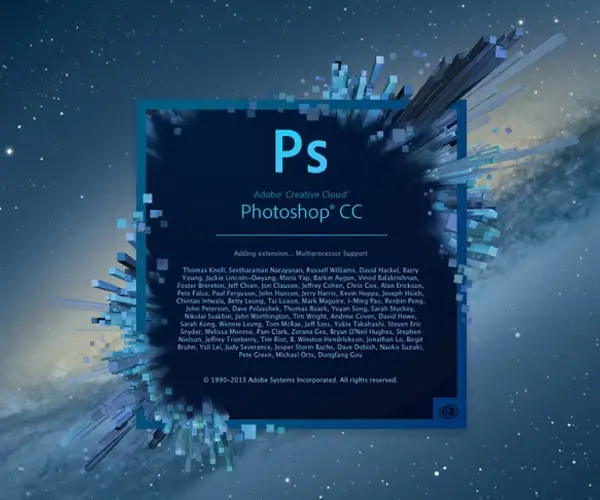
2013 – 2014
Adobe Photoshop CC 2014

2014 – 2015
Adobe Photoshop CC 2015


2015 – 2016
Adobe Photoshop CC 2016
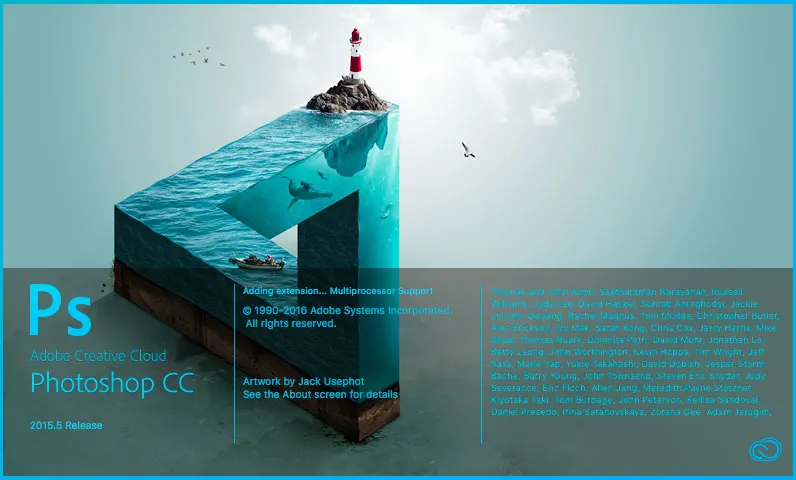
2016 – 2017
Adobe Photoshop CC 2017
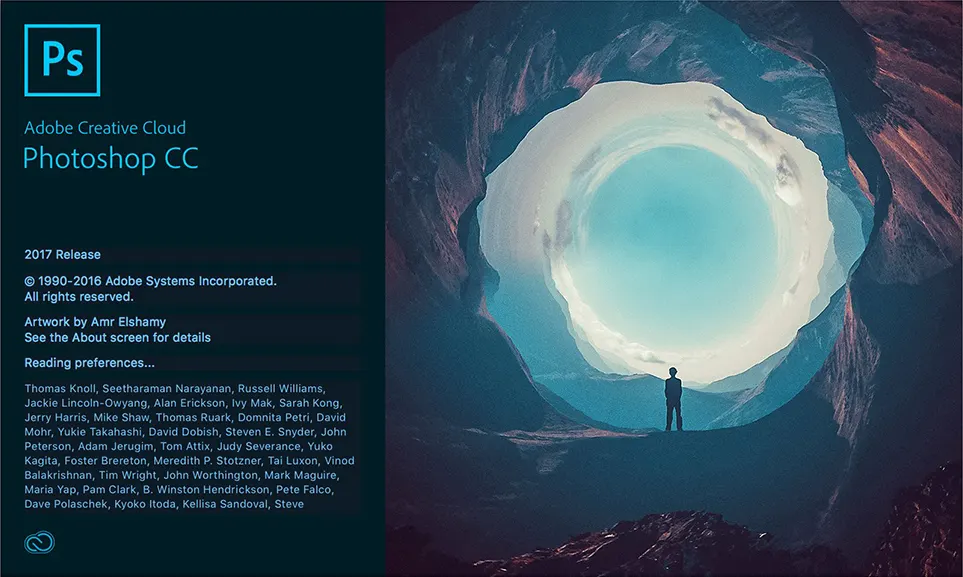
2017 – 2018
Adobe Photoshop CC 2018

2018 – 2019
Adobe Photoshop CC 2019

2019 – 2020
Adobe Photoshop 2020

2020
Adobe Photoshop 2021




2021
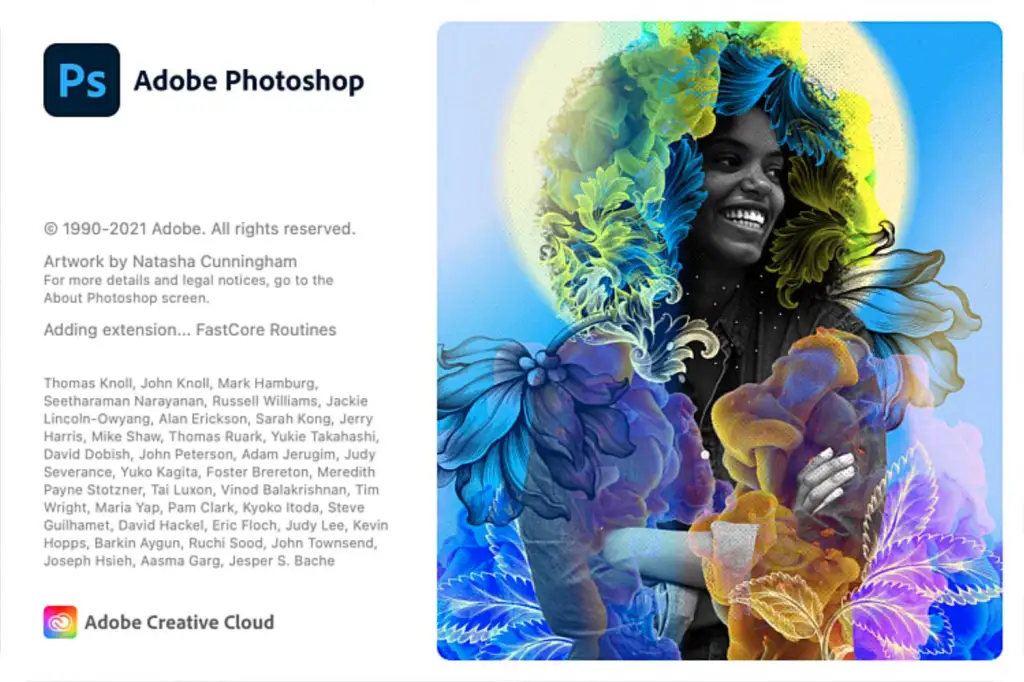
In 2021, Adobe rolled out several Photoshop Version 22 updates. Version 22.1.1 launched in January, followed by 22.2 in February. March’s Version 22.3 was the first macOS release native to Apple silicon. April saw 22.3.1, May brought 22.4 and 22.4.1, June delivered 22.4.2, and July introduced 22.4.3. August’s 22.5 was succeeded by 22.5.1 in September, the last to include legacy Pantone color books like Pastels & Neons and Premium Metallics.

2022
In 2022, Adobe continued updating Photoshop Version 23. Version 23.1.1 launched in January, followed by 23.2 in February. April brought Version 23.3, and June introduced 23.4. The series wrapped up with Version 23.5 in August, the final release to include built-in support for basic Pantone colors (CMYK, Metallics, Solid) as Legacy Swatches, with future versions requiring a separate subscription for Pantone access.
2023
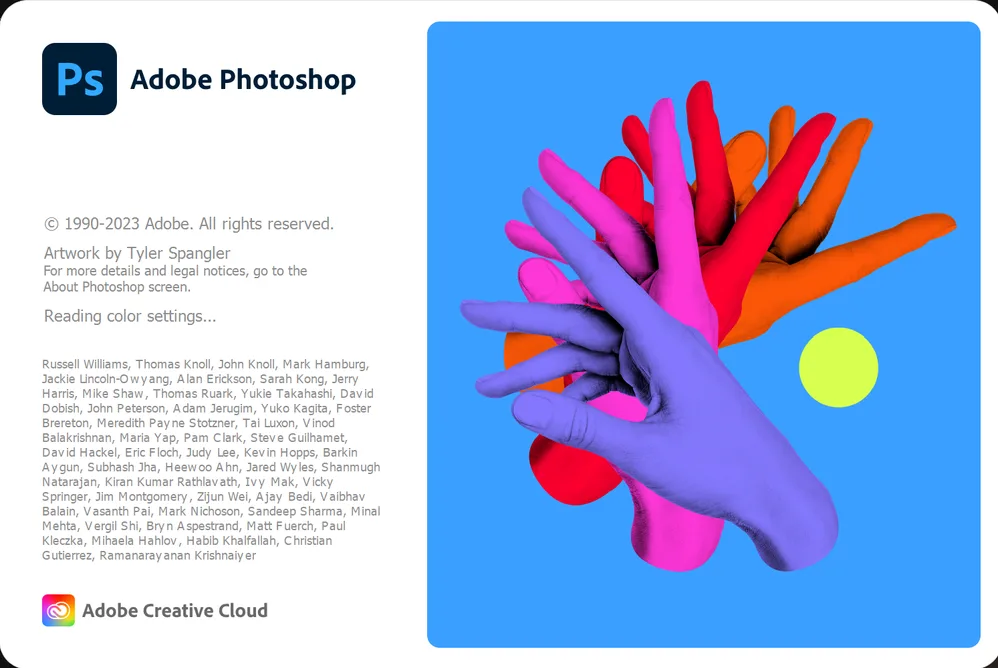
In 2023, Adobe advanced Photoshop Version 24, starting with Version 24.0 in October 2022, which marked the end of built-in Pantone color support—removed as of August 16, 2022—requiring a paid subscription to Pantone Connect for color “fandecks.” Version 24.1 followed in December 2022. The updates continued with Version 24.4.1 on April 20, 2023, and concluded with Version 24.7 on July 27, 2023.

2024
In 2024, Adobe progressed with Photoshop Version 25. Version 25.0 launched in September 2023, introducing Generative Fill and Generative Expand for commercial use.

Conclusion:
Looking back in Photoshop we can see how a simple idea can evolve into a useful and impacting tool and it would not be possible without Knoll’s Display. We would not have our favorite magic photo editing software right!
Undoubtedly, Photoshop is a gem on the crown of Adobe. Its development is closely guarded.
Thomas Knoll is still making his hand dirty on making plugins coding and he will be remembered forever for his awesome work.


First comment… What we can learn from this article is that a small idea can make a big difference.
True… I agree ????
Really, you did a good work. You offered me a chance to look the photoshop history back through your article. It enhanced my knowledge on photoshop. In one word, just awsome work you have done! Thank you so much. Hope you will gift us such interesting and helpful article in near future. Thanks????
Thank you for your good review. Glad that the information in this article was helpful for you????????
Thank you for letting us know the history! Going to cite your page soon. Just one suggestion, please add some sources in the end of a post so that we can go for further reading. Thank you once again.
Thank You… Wil do